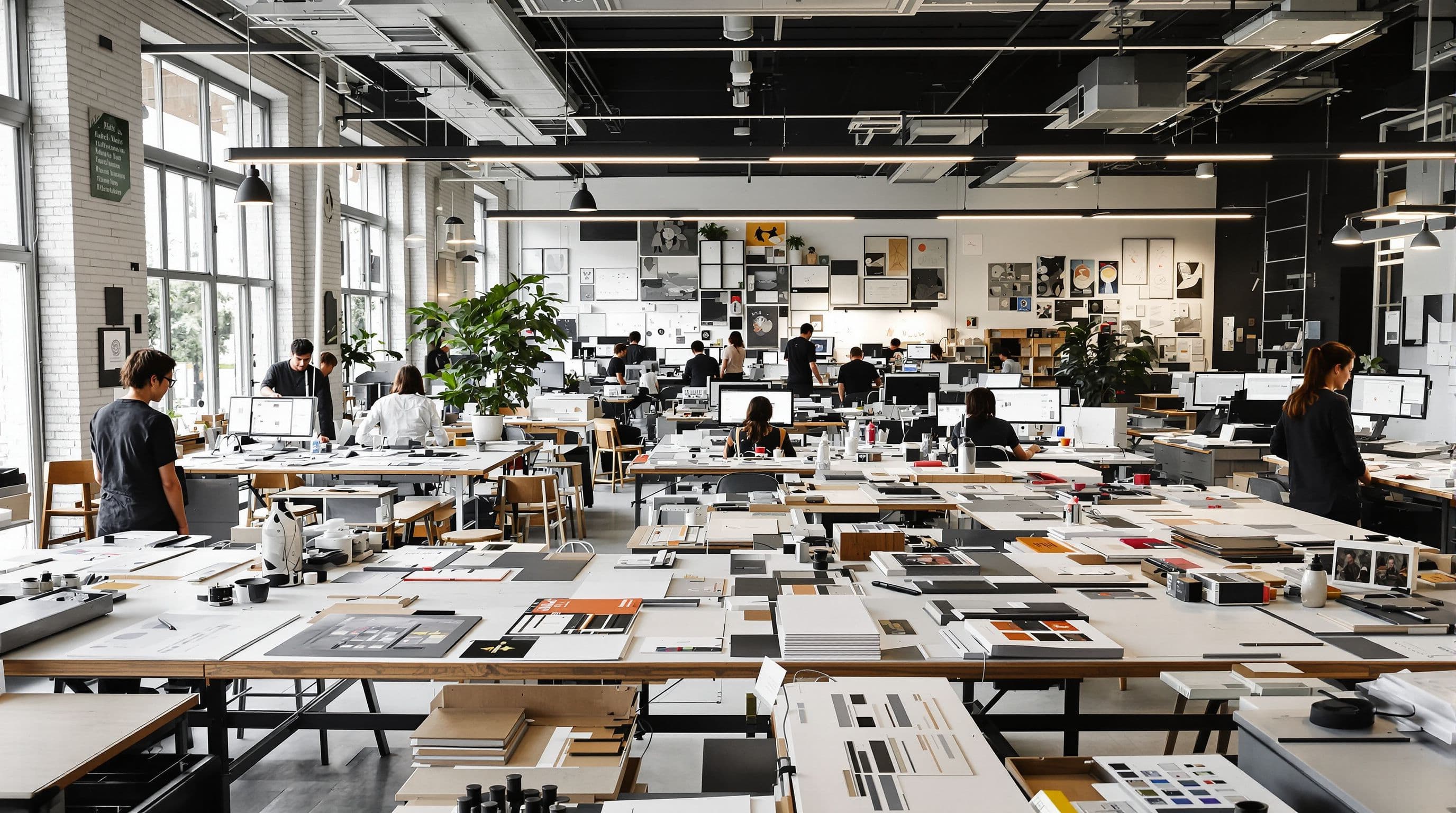
Marketing & Creative Agencies
We help design studios adopt AI-enhanced creative workflows, brand compliance automation, and production optimization while safeguarding the artistic craftsmanship and conceptual originality that define premium design practice.
CHALLENGES WE SEE
Designers spend 30-40% of time manually resizing assets for multiple platforms and formats instead of creative work.
Client feedback loops drag on for weeks with unclear direction, requiring 5-8 revision rounds per project.
Brand consistency breaks down across deliverables as teams manually apply style guides without systematic checks.
Designers waste hours recreating similar variations and mockups that could follow predictable patterns.
Asset libraries become chaotic graveyards where finding the right version takes longer than creating new files.
Presenting design concepts to clients requires hours of deck preparation and formatting work instead of strategic discussion.
HOW WE CAN HELP
Know exactly where you stand.
Prove AI works for your organization.
Transform how your leadership thinks about AI in 2-3 intensive days.
Create photorealistic design visualisations in minutes, not days.
Turn base AI models into domain experts that know your business.
Visualise designs, manage projects, and impress clients with AI.
THE LANDSCAPE
Design studios create brand identities, marketing materials, websites, and visual content for clients across the $50B+ global creative services market. They serve businesses of all sizes, from startups needing complete brand packages to enterprises requiring ongoing campaign support.
Traditional workflows involve extensive manual design work, multiple revision cycles, and time-consuming asset preparation across formats. Studios typically bill hourly or project-based, with profitability tied directly to designer efficiency and client satisfaction. Common pain points include endless revision requests, tedious asset resizing for multiple platforms, inconsistent brand application, and bottlenecks in client approval processes.
DEEP DIVE
AI-powered design tools are transforming studio operations. Generative AI creates design variations instantly, allowing designers to explore more concepts in less time. Automated systems resize and adapt assets for different channels, eliminating hours of manual work. Smart color palette generators ensure brand consistency while suggesting complementary schemes. AI-driven feedback tools streamline client review cycles with visual annotation and version control.
INSIGHTS
Data-driven research and reports relevant to this industry
Forrester
Forrester's analysis of AI adoption maturity across Asia Pacific markets including Singapore, Australia, India, Japan, and Southeast Asia. Examines industry-specific adoption rates, barriers to AI imp
ASEAN Secretariat
Multi-year implementation roadmap for responsible AI across ASEAN member states. Defines maturity levels for AI governance, from basic awareness to advanced implementation. Includes self-assessment to
Oliver Wyman
Analysis of AI adoption across Asian markets. Singapore, Japan, and South Korea lead adoption, but China dominates in AI talent and investment. Southeast Asia growing fastest from low base. Key findin
Intuit QuickBooks
Quarterly tracking of AI adoption and its impact on mid-market financial health. Based on anonymized data from 7M+ QuickBooks users. mid-market companies adopting AI-powered tools see 15% lower delinq
Our team has trained executives at globally-recognized brands


YOUR PATH FORWARD
Every AI transformation is different, but the journey follows a proven sequence. Start where you are. Scale when you're ready.
ASSESS · 2-3 days
Understand exactly where you stand and where the biggest opportunities are. We map your AI maturity across strategy, data, technology, and culture, then hand you a prioritized action plan.
Get your AI Maturity ScorecardChoose your path
TRAIN · 1 day minimum
Upskill your leadership and teams so AI adoption sticks. Hands-on programs tailored to your industry, with measurable proficiency gains.
Explore training programsPROVE · 30 days
Deploy a working AI solution on a real business problem and measure actual results. Low risk, high signal. The fastest way to build internal conviction.
Launch a pilotSCALE · 1-6 months
Roll out what works across the organization with governance, change management, and measurable ROI. We embed with your team so capability transfers, not just deliverables.
Design your rolloutITERATE & ACCELERATE · Ongoing
AI moves fast. Regular reassessment ensures you stay ahead, not behind. We help you iterate, optimize, and capture new opportunities as the technology landscape shifts.
Plan your next phaseAI tools in design studios function as acceleration engines, not creative replacements. The key is using them for the mechanical tasks that drain designer time—generating multiple logo variations from initial concepts, resizing hero images into 15 different social media formats, or creating color palette alternatives that maintain brand harmony. Your designers still drive the creative vision, but AI eliminates the hours spent on repetitive execution. The generic output concern is valid when using consumer AI tools as-is, but professional studios train AI on their own design systems and client brand guidelines. For example, you might use generative AI to produce 50 layout variations for a product launch campaign in minutes, then have your senior designer select and refine the top three. This approach actually increases creative exploration rather than limiting it—designers can test more concepts than manual workflows ever allowed. We've seen studios develop signature styles by combining AI-generated base elements with human refinement. One branding agency uses AI to generate initial mood boards from client intake forms, which gives creative directors a 2-hour head start on every project. The AI doesn't make final decisions; it handles the ideation grunt work so designers focus on curation, strategy, and the nuanced touches that define quality work.
Most design studios see measurable returns within 90 days across three primary areas: production speed, revision reduction, and capacity expansion. The typical productivity gain is 40-50% on asset-heavy projects—work that took 8 hours now takes 4-5 hours. This means you can either take on 30-40% more projects with the same team size or reduce project timelines to win clients who need faster turnarounds. Revision cycles represent hidden profit killers in studio economics. AI-powered client review tools with visual annotation, automated version tracking, and smart comparison views typically reduce revision rounds from an average of 4-5 down to 2-3. On a $15,000 brand identity project, eliminating two revision rounds saves 12-16 billable hours, directly improving margins by 15-20%. Multiply that across your annual project volume, and the cost savings often exceed the AI tool investment within the first quarter. The capacity expansion benefit is less obvious but equally valuable. Studios using AI for asset adaptation and resizing can service enterprise clients requiring omnichannel deliverables without hiring additional junior designers. A studio that previously needed two designers for multi-platform campaigns can now handle the same scope with one designer plus AI tools. We recommend tracking three metrics post-implementation: average project completion time, revision rounds per project, and revenue per designer. Studios consistently report 25-35% improvements across all three within six months.
The most immediate challenge is workflow integration disruption. Designers have established processes in Adobe Creative Suite or Figma, and introducing new AI tools creates a learning curve that temporarily slows production. We've seen studios make the mistake of implementing too many tools simultaneously, overwhelming their team and creating resistance. The solution is phased adoption—start with one high-impact use case like automated asset resizing, let the team master it for 4-6 weeks, then layer in additional capabilities. Client perception and contractual issues require careful navigation. Some clients explicitly prohibit AI-generated content in their contracts, particularly in regulated industries or brands with strict originality requirements. You need clear policies about when and how AI is used, transparent client communication, and potentially different service tiers. Forward-thinking studios are adding 'AI-accelerated design' as a value proposition for speed-focused clients while maintaining traditional workflows for those who require it. The technical challenge of maintaining quality control is significant. AI tools can produce inconsistent outputs, brand guideline violations, or accessibility issues that human designers catch instinctively. Smart studios implement review checkpoints where AI outputs always pass through senior designer approval before client presentation. There's also the ongoing cost of tool subscriptions—budget $150-400 per designer monthly for professional-grade AI design tools. The risk isn't the technology failing; it's implementing it poorly and damaging client relationships or team morale in the process.
Start with your biggest time-sink, which for most studios is asset adaptation and resizing. Implement one tool specifically for converting designs across multiple platforms—taking a desktop website hero image and generating mobile, tablet, Instagram, Facebook, LinkedIn, and email header versions automatically. This delivers immediate time savings that your team will actually appreciate rather than resist. Tools like Adobe Firefly's generative fill or Canva's Magic Resize are low-barrier entry points that work within familiar interfaces. Identify one designer champion—typically someone tech-curious but respected by the team—and have them pilot the tool for two weeks on real client projects. Document the time savings, quality outputs, and workflow adjustments needed. This creates internal proof of concept and a peer advocate who can train others. Run a team workshop where the champion demonstrates the tool on a recent project, showing before/after timelines. This grassroots approach builds buy-in far more effectively than top-down mandates. We recommend a 90-day implementation roadmap: Month 1 focuses on asset automation, Month 2 adds AI-assisted design variation generation, and Month 3 introduces client collaboration tools with AI features. Budget 2-4 hours weekly for team training and process refinement. Track specific metrics from day one—hours spent on asset resizing, number of revision rounds, client approval timeline—so you can quantify impact. Most importantly, position AI as a tool that eliminates the tedious work designers hate, not as a replacement for creative judgment. When framed correctly, your team will pull these tools into their workflow rather than pushing back against them.
Client presentations and approvals represent 30-40% of total project time in most studios, and AI is transforming this bottleneck dramatically. Smart presentation tools now auto-generate design rationale narratives that explain color psychology, typography choices, and strategic positioning—giving junior designers a foundation that senior staff would typically write manually. AI can also create mockups showing designs in real-world contexts (billboards, packaging, mobile devices) in minutes rather than hours, making presentations more compelling and reducing client imagination gaps that lead to revisions. The approval process gets significantly streamlined with AI-powered collaboration platforms. These tools use computer vision to recognize design elements clients reference in feedback ('make the logo in the top corner bigger'), automatically track which stakeholder made which comment, and even predict potential approval delays based on comment patterns. Some advanced systems analyze client feedback sentiment and flag potential satisfaction issues before they escalate. One studio we work with reduced their average approval cycle from 8 days to 3 days simply by implementing AI-assisted version control that eliminated confusion about which iteration was current. The strategic advantage is using AI to present multiple directions more efficiently. Traditional workflows might show clients 2-3 concepts due to time constraints. With AI generating variations, you can present 5-6 directions in the same timeframe, increasing the probability of client satisfaction on first presentation. AI tools can also A/B test designs with target audience samples before client presentation, giving you data-backed recommendations. This shifts conversations from subjective preference ('I don't like that blue') to objective performance ('this version tested 34% higher with your target demographic'), making approvals faster and more confident.
Let's discuss how we can help you achieve your AI transformation goals.
